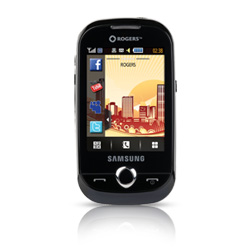
Unlock Samsung GT-B5310r Corby PRO
Unlock Your Samsung Corby PRO
Different phones have different Unlock Code Input Instructions, Try the following Instructions in Order (Instructions will also be emailed with the Unlock Code) :
Method #1
Insert a Non accepted simcard in your phone and power on. Once finished loading your phone will ask you to "Enter a code" or "Sim Network Unlock Pin" or "Sim Network Control Key",
Enter the Unlock Code (8 Digit Network Code)
Note: Non Accepted Simcard is any simcard not from the original provider
OR
Method #2
Go to the dial screen on your phone as if you are going to make a call and press: #7465625*638*UNLOCKCODE# (8 digit unlock code)
OR
Method #3
Go to the dial screen on your phone as if you are going to make a call and press: #0111*UNLOCKCODE# (8 digit unlock code)
OR
Method #4
Go to the dial screen on your phone as if you are going to make a call and press #7465625*638*# Once prompted for code, enter the 8 digit Unlock Code.